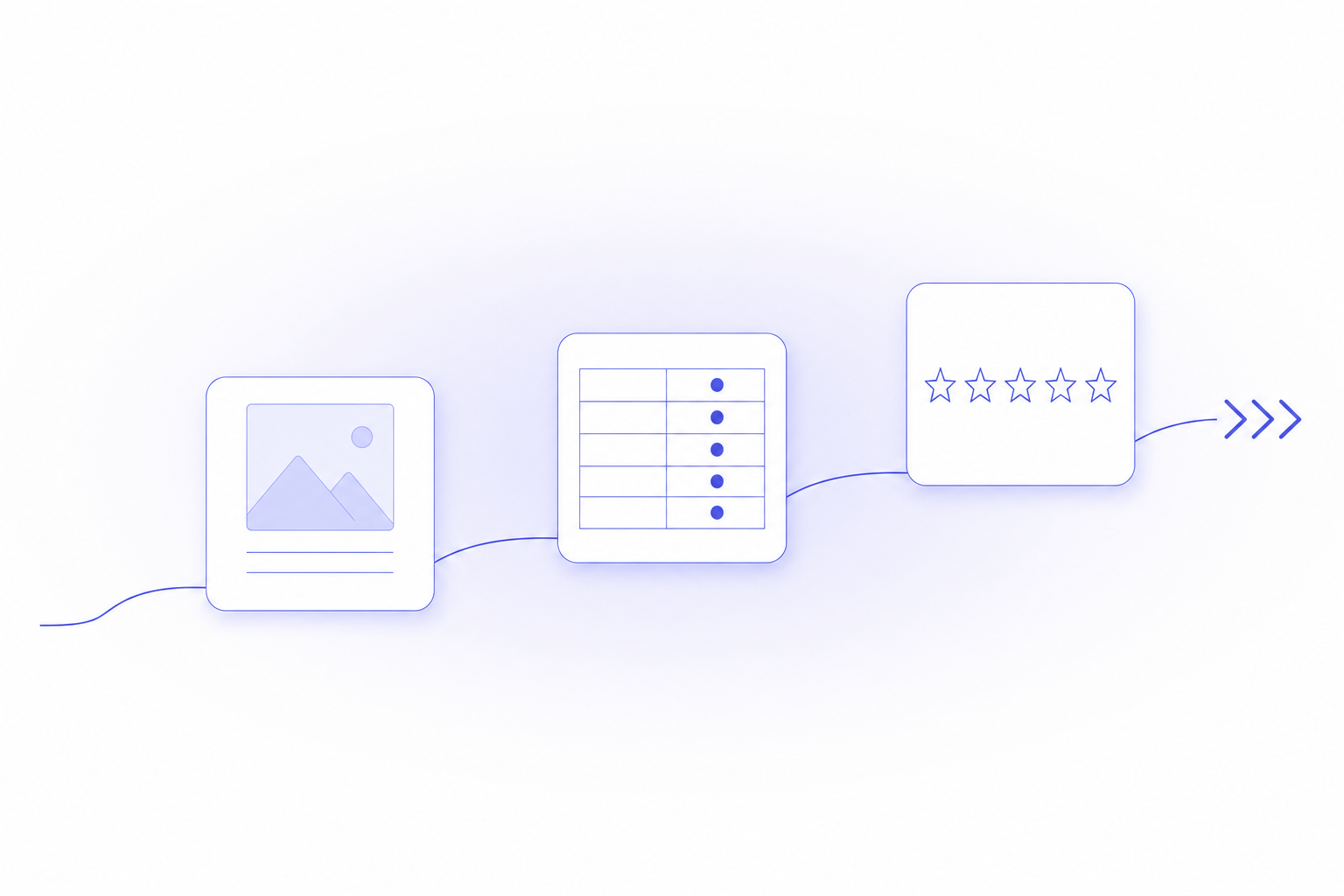
A weak product page loses the sale twice. It fails to convince the shopper reading it, and it fails to give ChatGPT or Google AI Mode a clean fact to quote when a buyer researches your category.
A strong page does both jobs with the same words. State each fact as a named target plus a value, and the shopper can decide while the engine can lift. Work through these eight improvements in order and rewrite your weakest facts into liftable answer units.
1. Make the first screen answer the top buying questions
Most shoppers decide in the space above the fold. That first screen should carry the product name, the price, the one deciding attribute, and a clear add-to-cart, with no scrolling required. If a buyer has to hunt for what the product is or what it costs, you have already added friction.
- Put the deciding attribute in the title: "Merino Wool Base Layer, 200gsm, for cold-weather hiking," not "Premium Comfort Layer."
- Show price, stock status, and the primary variant selector on the first screen.
- Lead the description's first line with the single fact that makes or breaks the purchase.
- Cut adjective-only openers; "premium ultimate comfort" tells the buyer nothing checkable.
A first screen built from specifics answers the shopper's first question and gives an engine a clean phrase to match against a query.
2. Use media that explains, not just decorates
Photos sell, but explanatory media closes doubt. Beyond the hero shot, show the product in use, at scale, and from the angles a buyer worries about. A short video or a scale reference removes the questions that otherwise send a shopper to a review site.
- Include an in-use or on-body shot so buyers judge fit and size.
- Add a scale reference (a hand, a room, a common object) for anything where size is ambiguous.
- Caption images with the spec they demonstrate, so the fact is readable as text too.
- Keep file sizes lean; slow-loading media on mobile costs you the sale before it explains anything.
Captioned media does double duty: it reassures the shopper and leaves a text fact an engine can read.
3. Show reviews with a visible count and average rating
Reviews are the trust signal that converts a hesitant shopper and the evidence an AI answer cites when it recommends a product. Display the average rating and the review count together, such as "4.7 average from 340 reviews," because the count is what makes the rating credible. A rating with no volume behind it convinces no one.
- Show rating and count together, not a bare star row.
- Use a Shopify review app so ratings render as structured data, not just on-screen text.
- Keep recent reviews visible; freshness signals people are still buying.
- Surface reviews that answer common objections (fit, durability, sizing) near the buy button.
Rendered as structured data, that rating becomes a fact an engine can read directly and repeat in an answer.
4. Treat specs as conversion content, not fine print
A two-column specs table is the highest-value block on the page. Each row pairs a named target with a value, which is exactly the form buyers scan and AI engines lift into answers. It also stops you from burying specs inside paragraphs where nobody finds them.
- Include the rows that decide your category: material, weight, fit, sizing, care for apparel; dimensions, battery life, connectivity, warranty for electronics.
- Write real values: "Battery life: up to 30 hours," never "long-lasting battery."
- Translate each spec into a consequence beside it: "200gsm merino, so it insulates without bulk under a shell."
- Let the table carry the density so you do not repeat the same specs as prose.
A shopper buys the consequence; an engine quotes the named spec that carries it. The table serves both.
5. Make variants clear and honest
A confusing variant picker kills conversion. Show every option in stock, show what is sold out instead of hiding it, and update the image and price as the buyer switches. Ambiguity here is the most common reason a ready buyer abandons a cart.
- Label variants in plain terms (size, color, capacity), not internal SKU codes.
- Keep sold-out variants visible but clearly marked, so the buyer knows the range exists.
- Swap the image and price to match the selected variant.
- State any per-variant differences (a larger size weighing more, a color running small) directly.
Clear variants also give an engine an unambiguous read of what you actually sell, at what price.
6. Build the page mobile-first
Most Shopify traffic is on a phone, so the mobile view is the real product page, not a shrunk desktop one. Test the buying path on a phone: can a buyer read the price, pick a variant, and reach checkout without pinching or hunting?
- Keep tap targets large and the add-to-cart button reachable with a thumb.
- Collapse long content into accordions (specs, FAQ, shipping) so the first screen stays clean.
- Compress images so the page loads fast on a mobile connection.
- Verify the variant picker and reviews render properly on a small screen.
A page that is effortless on mobile converts the majority of your traffic instead of frustrating it.
7. Write copy for both search and buying intent
The words on the page have to match how buyers phrase what they want. Use the material, use case, and problem in plain language, so the page both ranks in search and reads as the obvious answer to the shopper's question.
- Name the use case and the buyer: "for cold-weather hiking," "for wide feet," "for small apartments."
- Answer the objection in the copy, not only the feature: "machine washable at 30 degrees, do not tumble dry."
- Keep sentences short, one idea each, so the reader and an engine can both follow.
- Avoid keyword stuffing; write the specific sentence a buyer would search and read.
Copy written this way matches the query in search and gives an AI answer a phrase it can lift.
8. Add an FAQ with schema for the real buyer questions
Shoppers arrive with specific questions, and the page that answers them earns both the sale and the citation. Add a short FAQ covering sizing, materials, shipping time, and returns, and mark it up with FAQPage schema so engines can read each question and answer as a pair.
- Answer the real questions: "does this run true to size," "how long is shipping," "what is the return window."
- Write each answer as one plain sentence: "Ships in 2 business days, free US returns within 30 days."
- Add FAQPage structured data so the Q&A is machine-readable.
- Keep one canonical URL per product so reviews, links, and schema consolidate on one page.
Each answered question is a chance to be quoted, because an engine names the clearest source for that exact question.
Where leading Shopify stores fall short on these improvements
A star row on the product page and a rating a machine can read are two different things, and improvement 3 needs both. Arenza's State of Agentic Commerce report, built from a July 2026 scan of 857 leading Shopify stores, measured how often improvements 3, 5 and 8 show up in the storefront's HTML, product feed and Product JSON-LD; it did not measure whether an AI answer cited the store.
| Improvement | What the scan checked | Stores that passed |
|---|---|---|
| 3. Reviews with a visible count and rating | AggregateRating in Product JSON-LD on every sampled product page | 13.5% of 806 |
| 5. Clear and honest variants | Stock status readable for each variant | 93.9% of 826 |
| 8. FAQ answers on shipping and returns | Shipping and returns policies found, with an explicit return window | 68.5% of 857 |
A store can show a star row to shoppers and still expose no rating in its markup: 73.4% of the 806 stores failed the rating check, which is why improvement 3 asks for a review app that renders ratings as structured data. The Shopify apps that turn product reviews into better AI answers compare those options, and the merchant guide to ChatGPT Shopping shows a complete Product JSON-LD block with aggregateRating. On returns, a policy page that never states the return window in words does not pass. For how Shopify puts your catalog and its attributes in front of ChatGPT, Copilot and Google AI Mode, see the guide to Shopify Agentic Storefronts.
Measure whether your pages actually get cited
Better pages are the input; being named in AI answers is the outcome you want to track. Arenza is an AI-visibility platform and Shopify app that scans ChatGPT and Google AI Mode across multiple markets and reports how often your products surface in AI answers, by product line and SKU. Its accuracy pillar flags when an engine states an outdated spec or wrong price for your product, with the verbatim quote so you can fix it at the source, and its recommendation-gap analysis names the buyer questions where a competitor is cited and your page is missing. Start on the Free plan at $0 with no credit card for a baseline read; Starter is $49 per month and adds unlimited tracked competitors and 5 articles a month; Pro is $299 per month, cancel anytime, and adds daily monitoring, on-site fixes, and 100 articles a month hosted on your domain. The Shopify app surfaces product AI-visibility scores and the recommended fixes for each page.
FAQ
What makes a Shopify product page convert better?
Lead with the facts a buyer needs to decide, each as a short, self-contained sentence. A clear title, a specs table, visible reviews with a count, and honest shipping and return terms remove the doubts that stop a purchase. Concrete facts convert better than adjectives.
Do I need a specs table on every product page?
Yes for any product with attributes that decide the purchase, such as size, material, battery life, or dimensions. A two-column table pairs each named spec with its value, which is what shoppers scan and what AI engines lift into answers. It also keeps specs out of dense paragraphs where buyers miss them.
How do reviews help my product page get found in AI answers?
Reviews give an AI answer a concrete trust signal to cite, such as an average rating and review count. Show both together and render them as structured data through a Shopify review app, so an engine can read the rating directly. A visible count is what makes the rating credible enough to repeat.
Can this help me get cited by ChatGPT or Google AI Mode?
Yes, if you rewrite your facts as liftable answer units and then track whether the engines quote them. An AI-visibility tool scans ChatGPT and Google AI Mode and reports how often your products surface, by product line and SKU, plus any wrong spec or price an engine states about you. That read shows which pages win citations and which to fix.