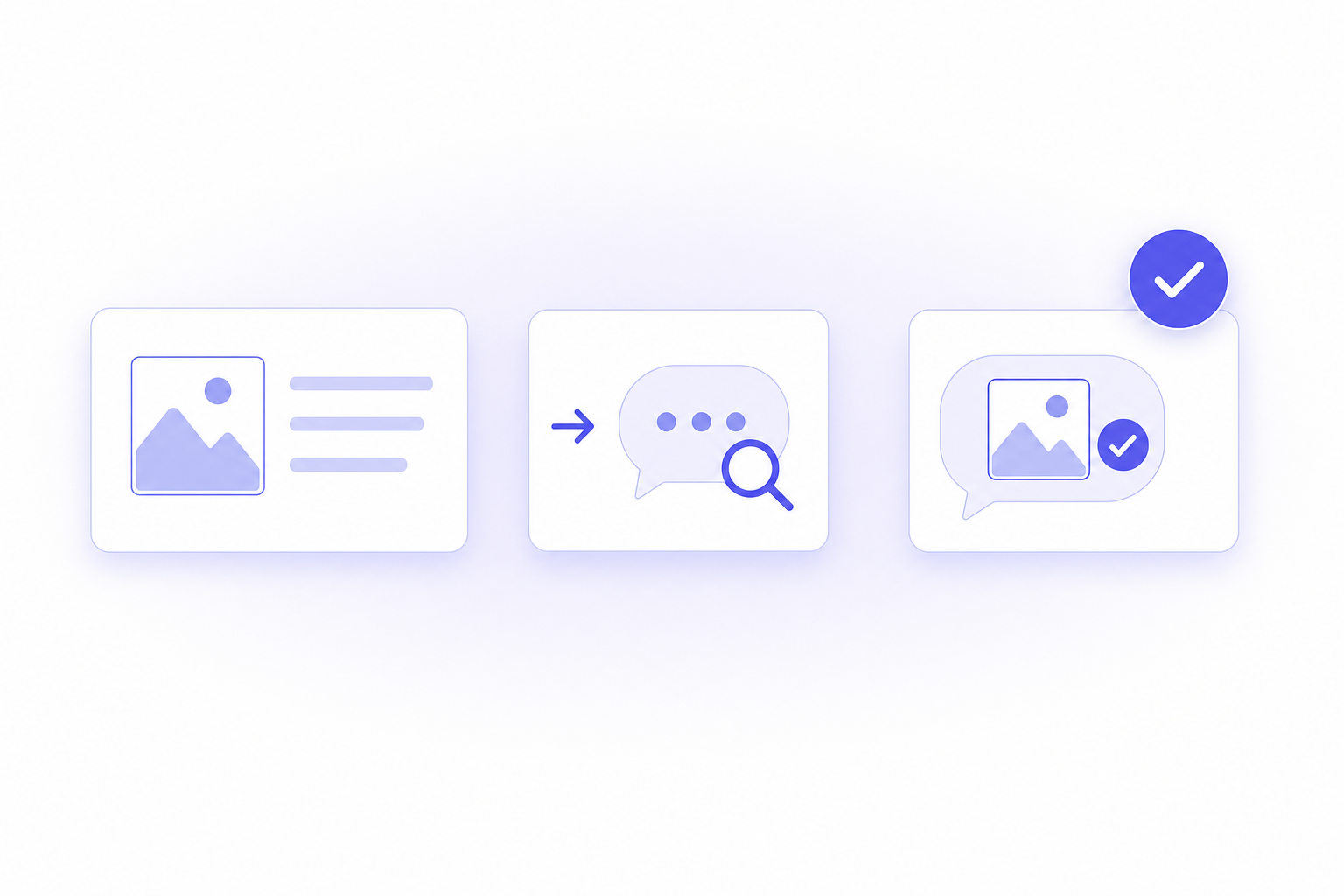
An answer engine never sees your product photo the way a shopper does — it reads your images through their text: the alt text, the caption, the filename, and the description around them. This guide shows how to turn that surrounding text, and your descriptions, into named facts ChatGPT can lift so your product stops blurring into generic category language.
Say the important part up front: engines read images through text, so a beautiful photo with an empty alt attribute is invisible to the answer. The work is to make every image and every description carry concrete, named claims instead of adjective fog. Work through the steps below in order.
1. Write alt text as a named claim, not a label
Alt text is the single most-skipped image signal, and it is the main way an image's content reaches an answer engine at all. A generic value like "product photo" or a bare filename tells the engine nothing.
Write each alt value as a specific, named claim about what the image shows:
- Not "desk photo" but "walnut oak standing desk, 55-inch width, with a cable tray underneath."
- Not "shoe image" but "brown full-grain leather boot with a lugged rubber sole."
- Not "bag" but "black backpack with a padded laptop sleeve and two side water-bottle pockets."
Keep each alt value true to the image and consistent with your description. You are describing the picture in the same named facts a shopper would care about, which is exactly what the engine can read and repeat.
2. Add captions that state the fact the image proves
A caption sits in readable text right next to the image, so an engine parses it easily — yet most product images have none. Use captions to state, in words, the thing the photo is there to show.
- If the photo shows scale, caption the scale: "Holds a 16-inch laptop plus a 20L main compartment."
- If it shows a material detail, name the material: "Full-grain leather upper with a 6mm cork footbed."
- If it shows a feature in use, name the feature: "Magnetic lid closes flush; no clasp to break."
Captions do double duty: they help the shopper and they hand the engine a named fact tied to the exact image, reinforcing the same claim your alt text makes. Prioritize captions on the images that carry a decision-making detail — scale, material, and what-is-in-the-box shots — over purely aesthetic lifestyle photos. Those are the images a buyer studies to decide, and the facts an answer engine most wants stated plainly.
3. Rewrite descriptions into spec-rich, named claims
Benefit prose does not carry a citation; named specs do. Rewrite your description so each fact is a named target plus a concrete value in one self-contained sentence, using your product's real, verifiable spec. The examples below show the shape — the figures must be your own claims:
- "Incredibly durable" becomes "made from 900D ripstop nylon with a water-resistant TPU coating."
- "Fits everything" becomes "holds a 16-inch laptop plus a 20L main compartment."
- "Long-lasting battery" becomes "runs about 40 hours per charge over Bluetooth 5.3."
Add a plain-text spec block — Material, Capacity, Dimensions, Weight, Battery — as labeled lines the engine can lift with zero context. Each line should be quotable on its own, which is precisely what makes the engine describe your product with your facts instead of its guesses.
Keep the block as real text in the description, not baked into a spec-sheet image. An engine reads the text on the page; a spec table saved as a JPEG is, to the answer, another blank photo. If your theme renders specs as an image, move the same values into readable text below it.
4. Keep image text and description saying the same thing
The engine reads your page as one document. When the alt text, the caption, and the description all state the same named facts, they reinforce each other and the engine reads a single coherent product. When they conflict — the alt says one dimension and the spec line says another — the engine has no reason to trust either.
- Cross-check that your key numbers (dimensions, capacity, material) match across alt text, captions, spec block, and prose.
- Fix any leftover generic alt values on your main product images first; those carry the most weight.
- Retire adjective-only phrases that duplicate a spec — keep the spec, drop the fog.
- Where a variant changes a spec (a larger size, a different material), state that variant's real value rather than letting one figure stand in for all of them.
Consistency is a signal in itself. A page that repeats the same specific fact in three readable places is far more liftable than a page that says it once, vaguely.
5. Name your image files and wire the image into structured data
Two smaller signals reinforce everything above. The first is the image filename: IMG_4821.jpg tells an engine nothing, while walnut-oak-standing-desk-55in.jpg restates your named claim in yet another readable place. Rename your main product images before you upload them.
The second is structured data. Product schema carries an image field, and pointing it at your primary product image ties the picture to the named facts in the rest of the markup.
- Rename hero and gallery images to describe what they show, using hyphens and plain words.
- Confirm your Product schema's
imagefield references your real product images, and thatname,description, andpriceare populated and match the visible page. - Validate the page in Google's Rich Results Test so you know the markup is read cleanly.
None of these replace clear alt text and spec-rich copy — they stack on top, so the same named fact reaches the engine through the filename, the alt text, the caption, the description, and the schema at once.
6. Measure whether ChatGPT reads your new page
Rewriting alt text and descriptions is a hypothesis until you check the answer. Ask ChatGPT and Google AI Mode to describe your product, and compare the wording before and after — did your named specs surface, or is the engine still guessing from category prose?
This is the natural slot for a measurement tool. Arenza is an AI-visibility platform with a Shopify app that scans how ChatGPT and Google AI Mode describe your product, by product line and SKU, and its Accuracy pillar flags any outdated spec or category error the moment it appears, with severity, frequency, and the verbatim quote. That lets you confirm a description or image-text change actually reached the answer instead of assuming it did, and because Arenza is a Shopify app it ties those visibility scores back to attributed revenue. You can start on the Free plan at $0 with no credit card.
How often Shopify stores leave image and description text thin or missing
Step 1 deserves the most attention: of the three text checks below, image alt text is the one Shopify stores most often fail. For the State of Agentic Commerce report, Arenza checked 857 leading Shopify stores in July 2026 and could sample product pages on 806 of them, reading the HTML, the product feed and the Product JSON-LD the way software does. The checks show whether the text exists, not how ChatGPT went on to describe the product.
- Product image alt text: 37.3% of 806 stores passed the check and 32.0% failed it outright. Step 1 is the fix.
- Description depth: 79.5% of 826 stores passed the check for descriptions of at least 120 characters an agent can quote, and 10.8% failed. Step 3 is the fix.
- Required fields: 88.3% of 826 stores passed the check for title, image, price and description in their product data, and 2.4% failed. Step 5 is where you confirm yours in the schema.
A page can pass all three checks and still be summarized in category prose, so the named-claim rewrite above still matters. Reviews add more readable text about the same product; the Shopify apps that turn product reviews into better AI answers cover that source. To wire the image field and the rest of the Product markup without editing theme code, see the Shopify structured-data apps for AI answers, and to check whether a rewrite changed the answer, compare the apps that track how often ChatGPT recommends your products.
FAQ
Can I change how ChatGPT describes my product page?
Yes, by rewriting the page into named, specific facts the engine can lift. ChatGPT summarizes your product from the text on the page and the text attached to your images, so replace adjective fog with concrete specs and it quotes your facts instead of guessing.
Do product images affect what ChatGPT says?
Images help only through the text attached to them, because an engine reads text, not pixels. Write alt text and captions as named claims — "walnut oak desk, 55-inch width" rather than "desk photo" — so the engine can tell what each image shows and repeat that detail.
What makes good alt text for AI answers?
A specific, named claim about what the image shows, true to the picture and consistent with your description. "Brown full-grain leather boot with a lugged rubber sole" is liftable; "shoe image" or a bare filename is not.
Why does ChatGPT describe my product in generic terms?
Because your description is likely benefit prose the engine cannot lift and your images carry no readable text. A line like "premium and durable" gives nothing to quote; "900D ripstop nylon with a TPU coating" can be lifted with zero context.
Can a tool tell me if ChatGPT or Google AI Mode reads my page correctly?
Yes. Arenza scans how ChatGPT and Google AI Mode describe your product and flags where the description is vague, outdated, or wrong, so you can verify an image-text or description change reached the answer rather than assuming it.